Via Power Query I’m pulling c. 10 tables from AFAS, almost all standard GetConnectors that can be found in your documentation. The largest is c. 400k rows. In the current dataflow I’m purely fetching the data, no further actions. This dataflow crashes after 2 hours of refreshing on the PBI service, the Invantive monitoring registers all the tables, but nowhere do I see a successful result. Also, nowhere is the number of rows retrieved shown.
Unfortunately, it turns out to be quite a challenge to connect AFAS stably to my reports via Invantive. If there are any general AFAS tips for this (apart from the generic Power BI optimisation, which I’ve already gone through), I’d love to hear them. I’m slowly at my wit’s end.
That’s odd. There should at least be some form of progress. This can be sped up by increasing the page size, but even with the default setting, more information should be coming through regularly.
Contact will be sought through another channel to take a look together.
Invantive.Basics.InvantiveSqlException:
itgenoda316:
The data cannot be downloaded because the connection was lost before the results were returned.
Time-out is set to 56,000 ms. https://79700.rest.afas.online/profitrestservices/connectors/Verkoopfactuurregels?take=50000
—> System.Net.WebException: The operation has timed out.
at System.Net.HttpWebRequest.GetResponse()
at Invantive.Data.Providers.Http.HttpWorker.DoRequest(GlobalState owner, ExecutionOptions executionOptions, SqlExecutionStep sqlExecutionStep, IHttpBasedProvider self, HttpWebRequest request, String url, ObjectDefinition objectDefinition, QueryObject queryObject, String partitionCode, String callSafeNameOverrule, String anonymizedPostText, Boolean allowRetryOnNoConnectionMade, Boolean allowRetryOnConnectionLoss, ParameterList parameters, Guid nativeCallUid, Boolean throwExceptionOnNonSuccessfulStatusCode, Object requestBody, Int64 timeoutInitialMs, Int64 timeoutMaxOnRetryMs, String resultCacheId, String publicQueryParameters, ExecutionStatistics& executionStatistics, ODataErrorProcessingInstructions& oDataErrorProcessingInstructions)
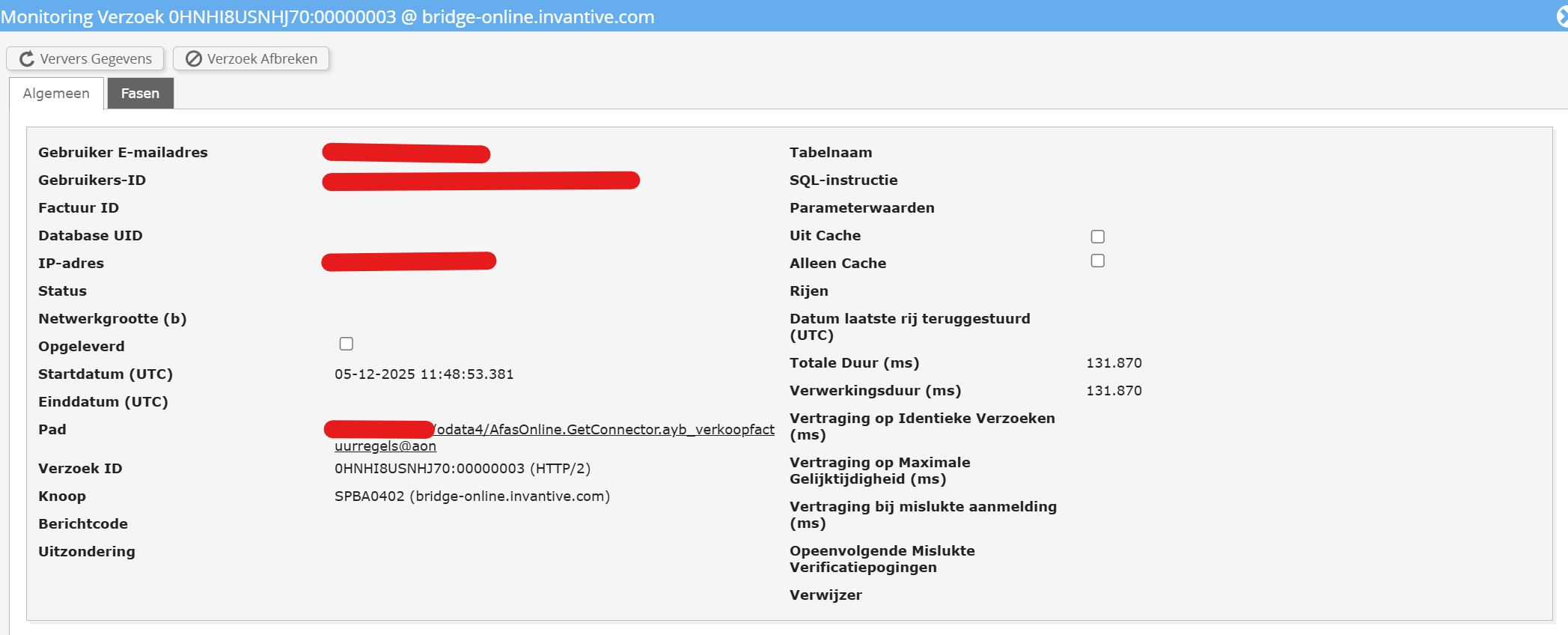
The cause is the page size of 50,000 rows. For the table AfasOnline.GetConnector.verkoopfactuurregels this takes an estimated 2 minutes, which causes a time-out every time. Reducing it to 25,000 rows via:
requested-page-size=25000
makes it just about work. Eventually set back to 10,000.
Starting from the next release 26.0 and every new BETA, a limit will be imposed on AFAS Profit regarding the maximum number of rows configurable via requested-page-size of 10,000.
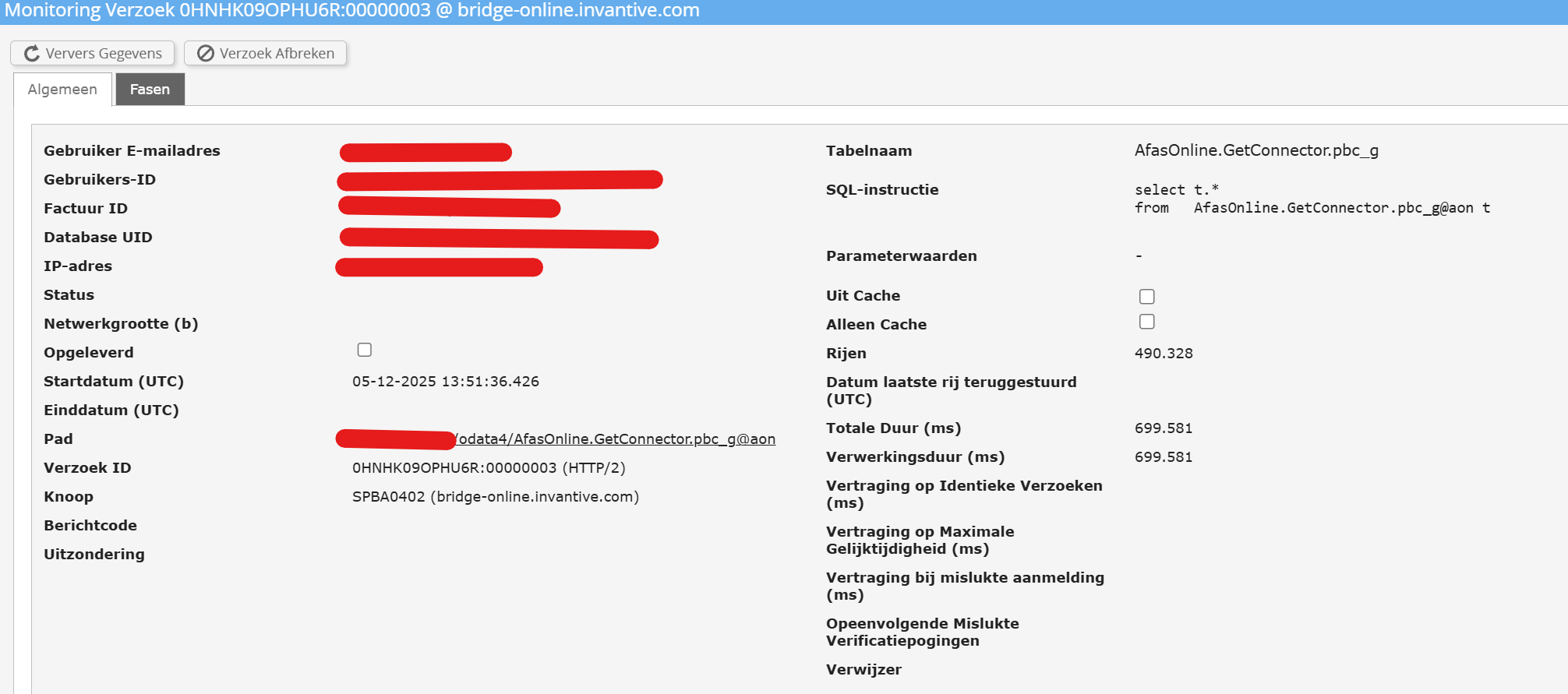
There’s still a problem. My largest table, with 490k rows, loads after 450 seconds (with 10k rows per page). However, the query doesn’t finish, and keeps ‘ticking over’ until the server’s limit is reached. Attached is a screenshot showing the correct number of rows, but the cut off at 700 seconds.