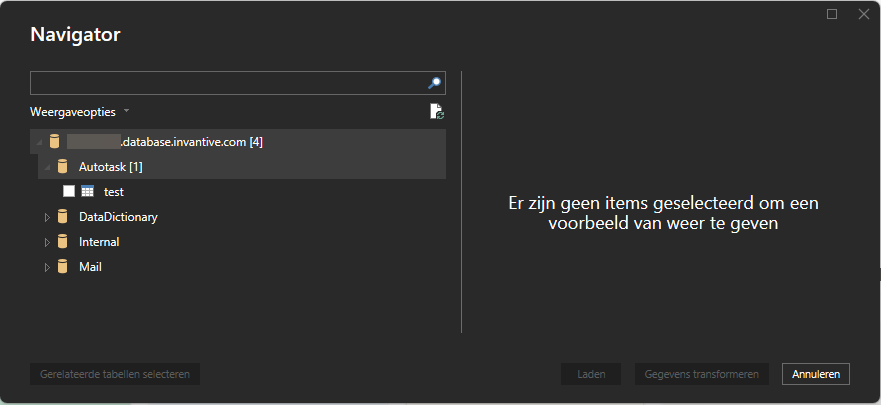
On Invantive UniversalSQL Server under Power BI I only see:
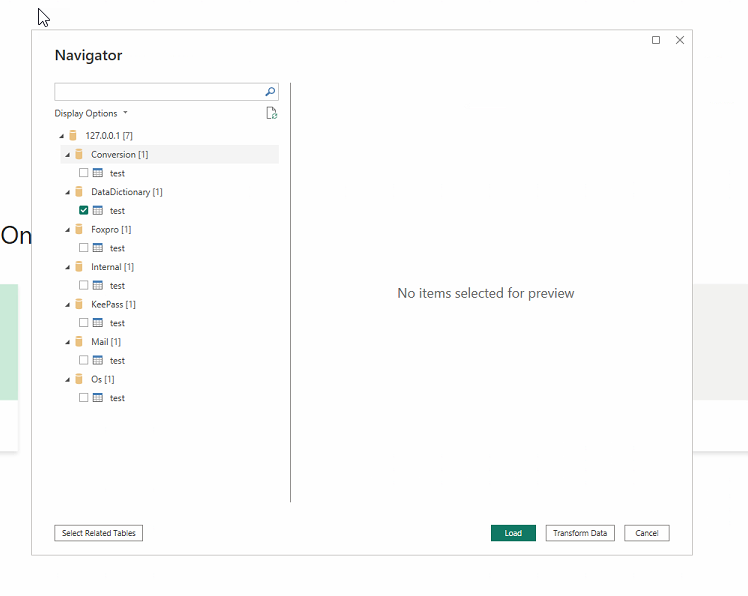
tables named “test”.
How can I get the real tables to show up?
This issue has been resolved in Invantive UniversalSQL Server 24.1.82-BETA.
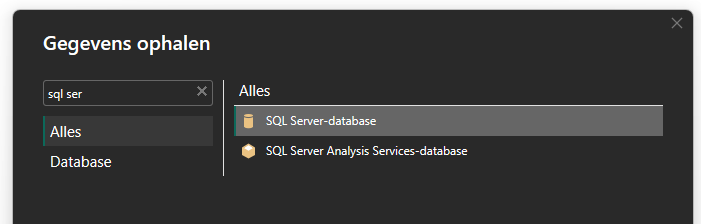
Logging in via SQL Server protocol:
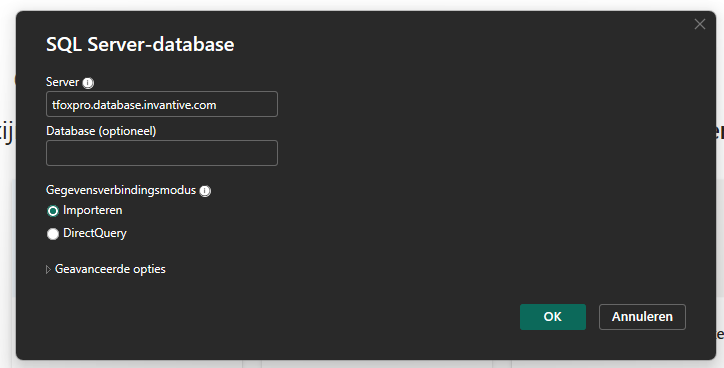
Specifying the test server:
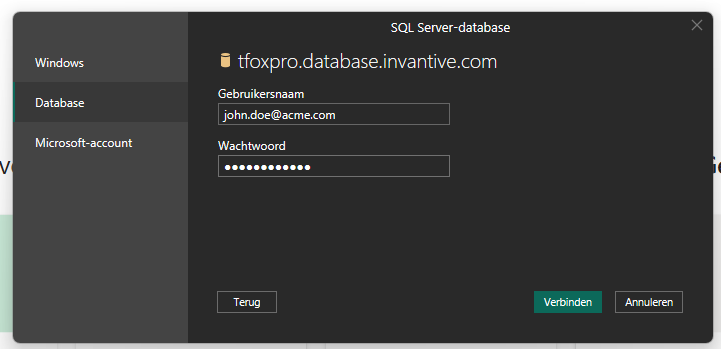
Entering login details:
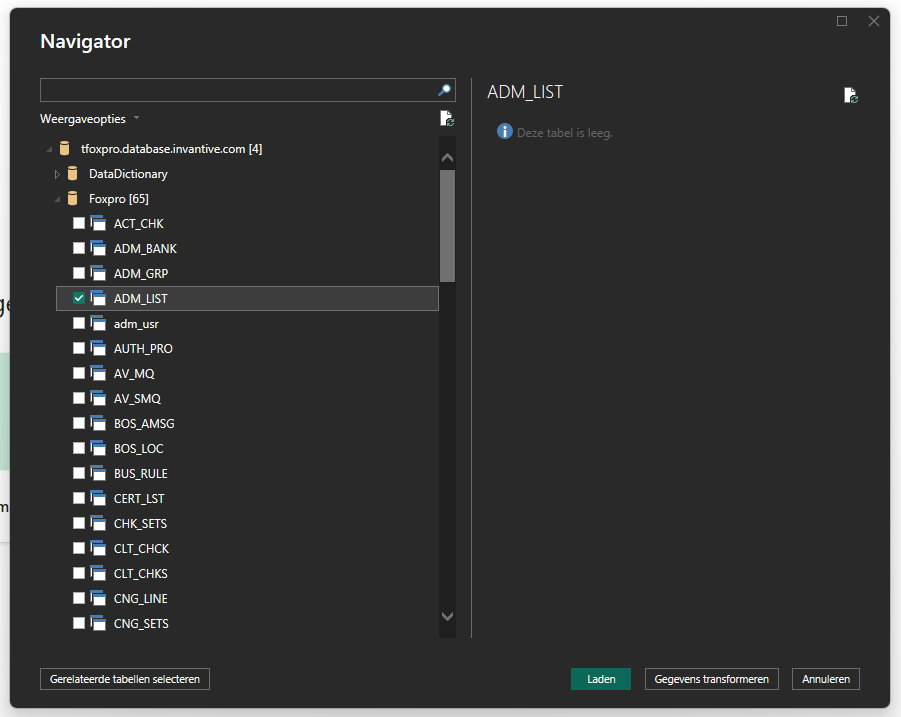
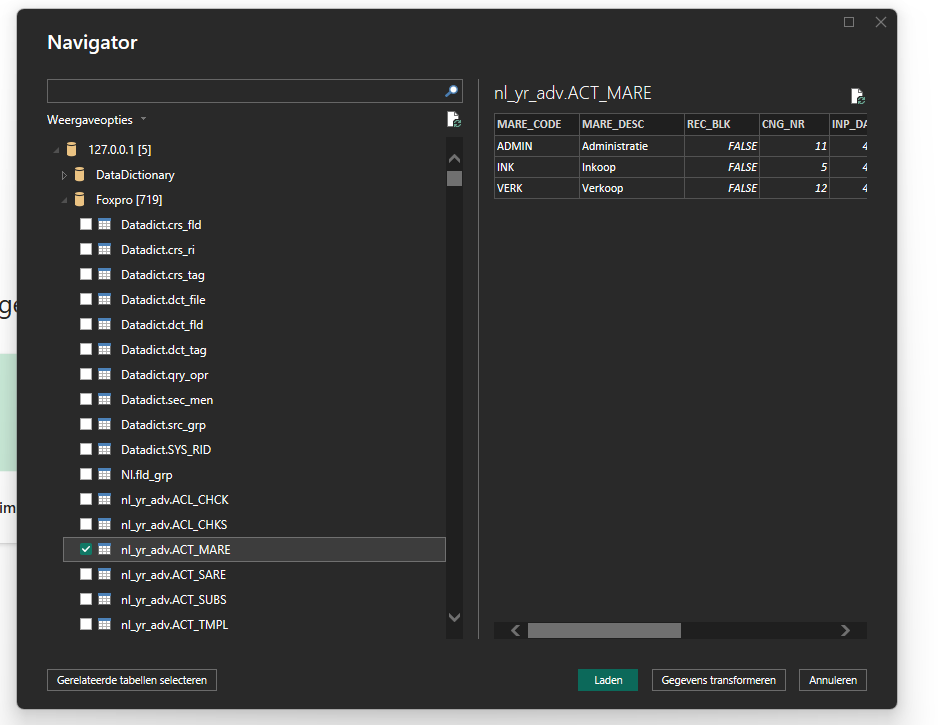
List of available tables:
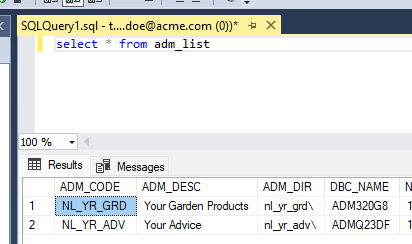
However, issue 1 is that all the tables are empty, whereas for example ADM_LIST is not empty via SQL Server Management Studio:
Issue 2 is that an additional table test is only visible under Power BI, which is not visible under SQL Server Management Studio: