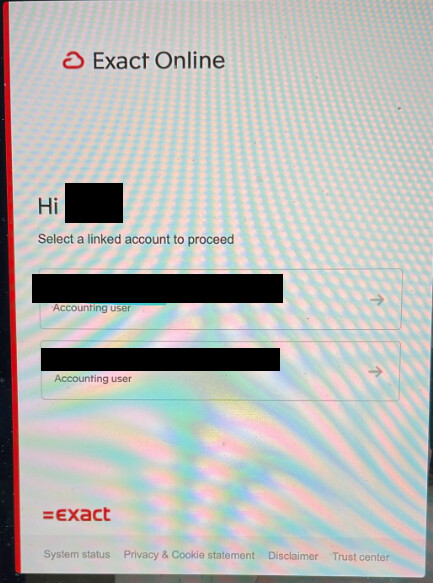
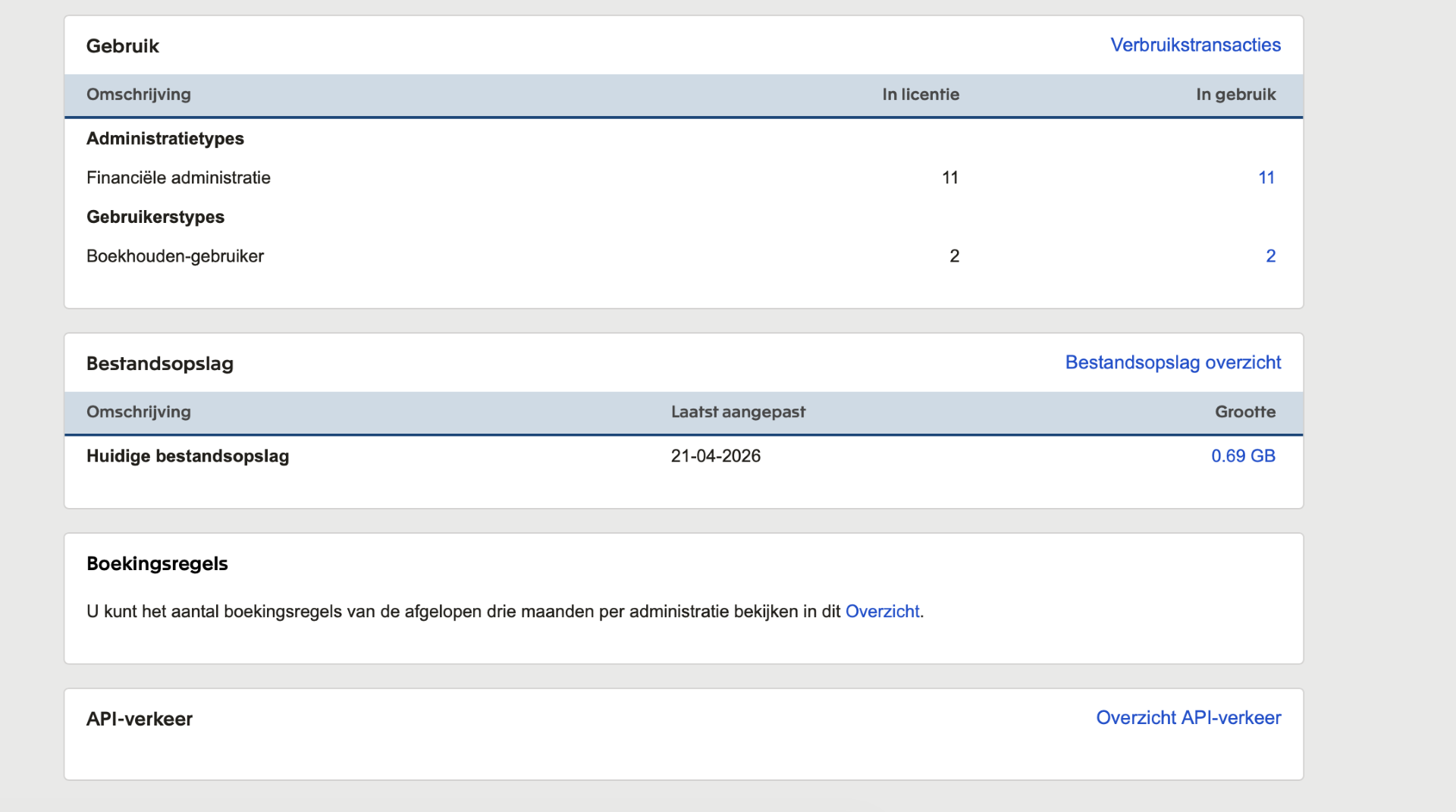
I am already connecting in Invantive Cloud to the first environment with 11 divisions, and I have now been given access to two additional divisions (in a second account: see screenshot).
These do not appear in Invantive Cloud when I query allsystemdivisions via UniversalSQL.
It’s not possible to work out the context. Hence these questions:
Are we talking about two separate Exact identities (i.e. with two distinct login codes/email addresses), the first with 11 administrations, the second with 2 administrations?
Are we talking about 1 Exact identity with two linked subscriptions? The first with 11, the second with 2 administrations?
Are we talking about 1 Exact identity with 1 linked subscription? And a total of 13 or more administrations within that Exact subscription?
If there is only 1 Exact identity and this screen appears, then there are two linked subscriptions involved.
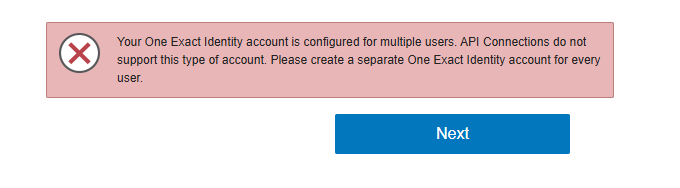
Exact Online has informed us that they have made the choice to not allow Exact identities with multiple linked Exact Online subscriptions to be used with the Exact Online APIs. Unfortunately, there is a bug within the Exact Online screens which sometimes allows it to work anyway.
Our advice is to use a different Exact user per Exact Online subscription, or to have the administrations merged under 1 subscription if that is possible.
So how do I actually go about getting access to read out those two extra administrations? The subscription belongs to another company, we only have access via our user.
The advice is to use a different Exact user per Exact Online subscription, or to have the administrations merged under one subscription if that’s possible.
Invantive has no influence over this, and for compliance reasons we won’t exploit the existing bug in Exact Online to bypass the security model.
And if I have a different Exact user/different email address added to the 2 administrations of the other subscription, will it then be possible to create a second connection in Invantive to read out those Exact files?
Yes, that’s expected. The approach you’ve described is the alternative solution from the advice: using a different Exact user per Exact Online subscription.
A security incident EXACT-Z85GLICG has been raised with Exact Online to have the workaround for these checks closed off. This reduces the likelihood of confusion and/or sudden security error messages.
This question was automatically closed after 1 week of inactivity. The last given answer has been marked as the solution.
Please create a new question in a separate topic if the issue occurs again. When creating a new question, please include a link to this topic by entering its URL in the text.