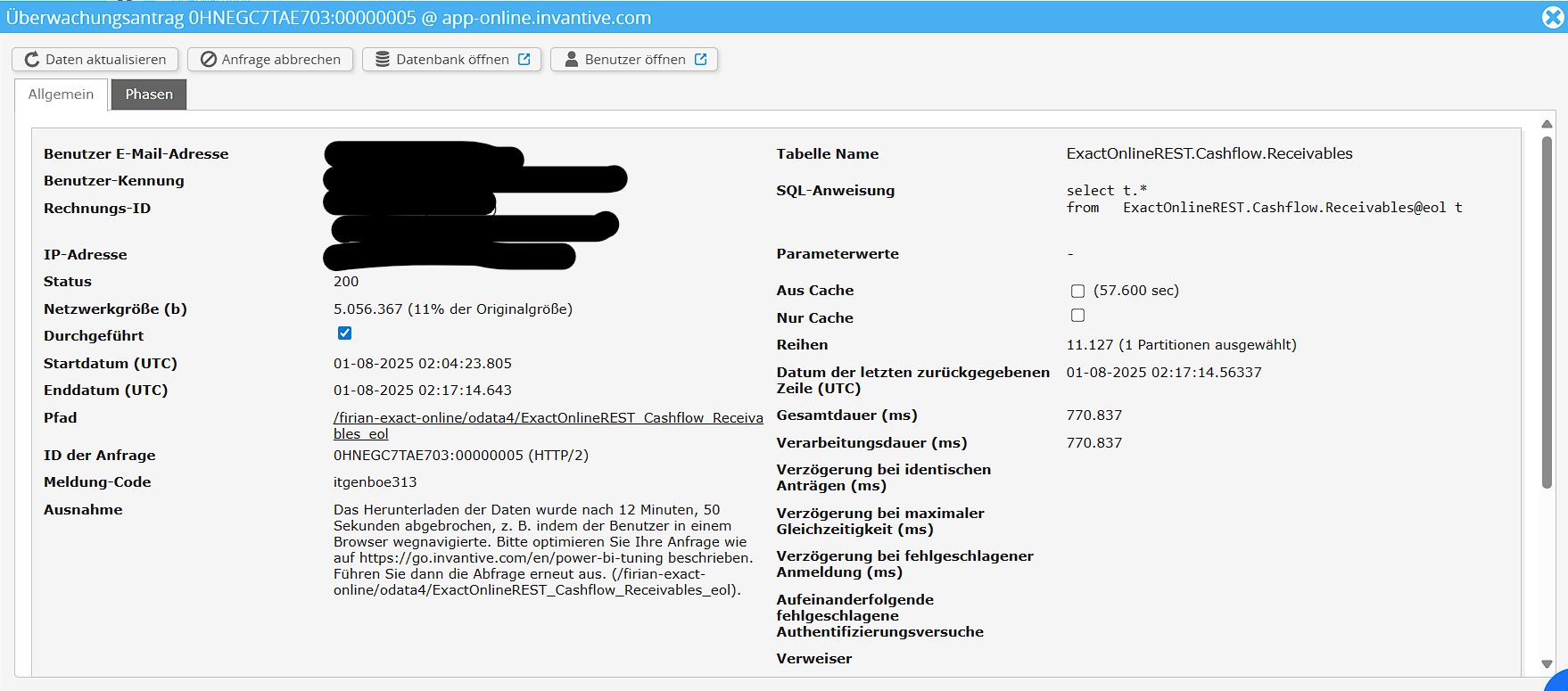
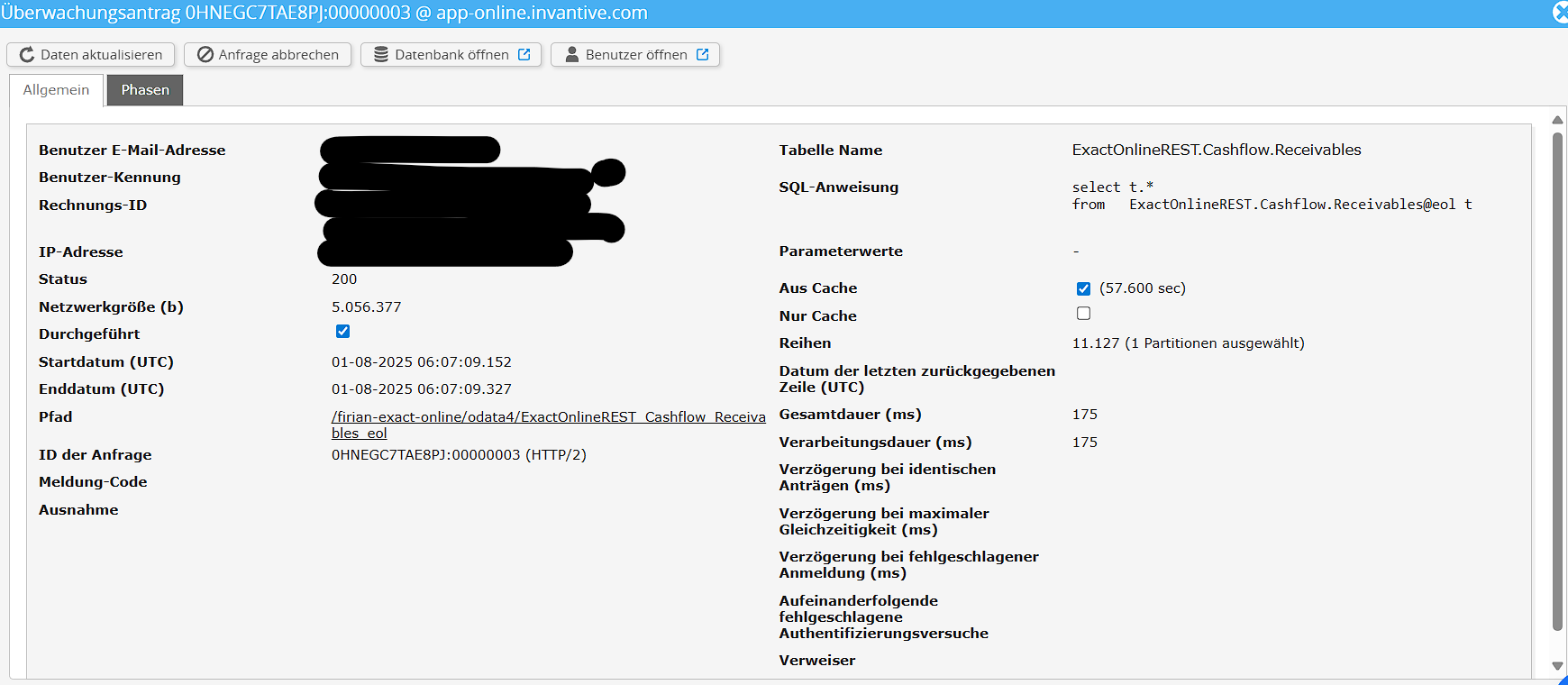
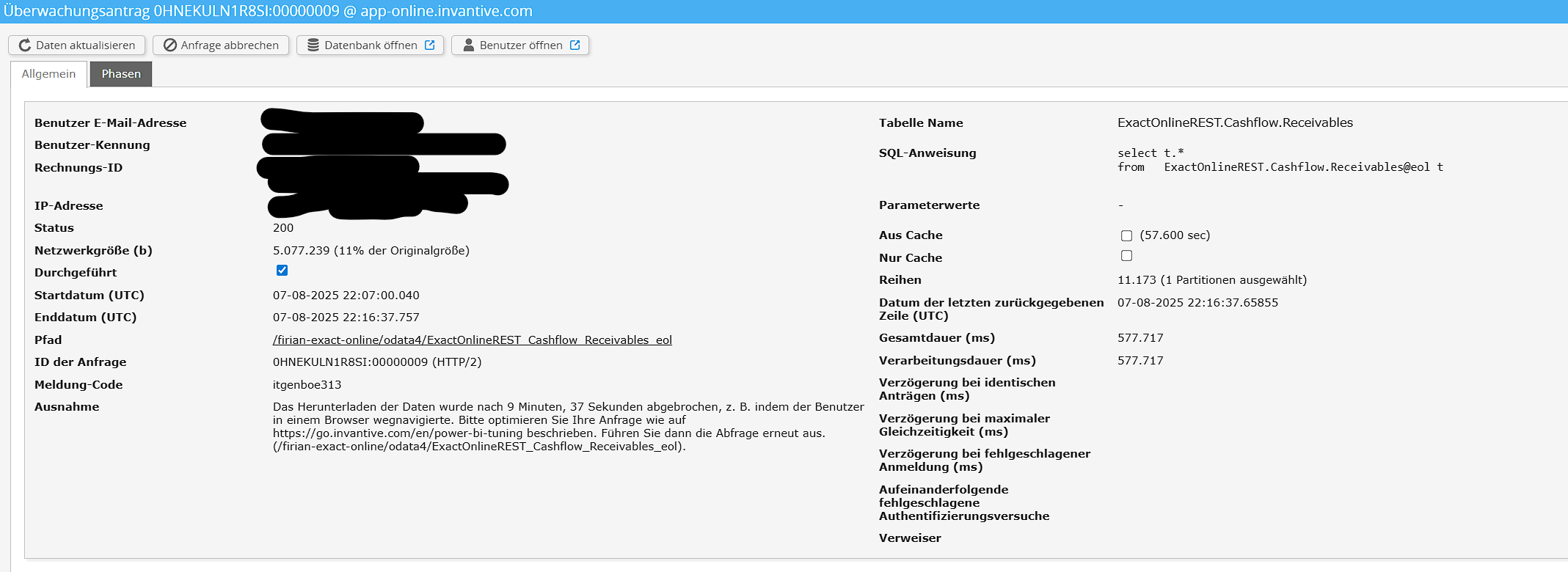
Check carefully that you are logging into the Bridge Online website that is also used from Power BI and with the same user name. You will only see the requests from the Invantive Cloud user you are logging into the website with.
There are four servers in use:
bridge-online.cloud
app-online.cloud
bridge-online.invantive.com
app-online.invantive.com
You can see the server used in your script or source code of reporting.
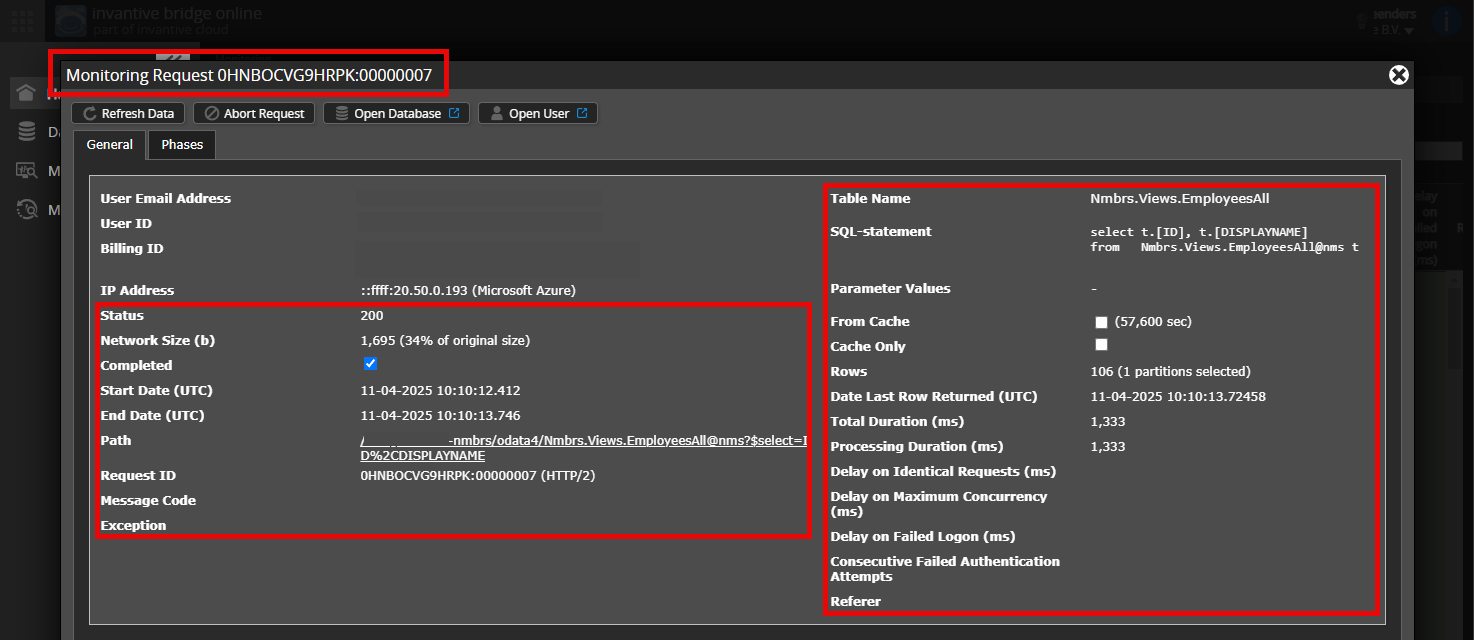
Verify correct request and details
Please make sure to select the request to display the details. Only one single request should be visible in the screenshot.
Also check carefully that the request has a path with odata4 or apps. Other requests are in general non-relevant for this purpose.
Error message and tips per email
In addition, the Invantive Cloud user who has the error message will usually receive on his email address an email with an error message and tips if there is an error message in Power BI, Power Query, Azure Data Factory, Qlik or Tableau.
Advice is to check the affected user’s spam for such emails sent from support@invantive.com.
Dette spørsmålet ble automatisk lukket etter 1 uke med inaktivitet. Det siste gitte svaret er merket som løsning.
Vennligst still et nytt spørsmål i et eget emne hvis problemet oppstår igjen. Vennligst inkluder en lenke til dette emnet i det nye spørsmålet ved å lime inn URL-en i teksten.