Good morning,
I am using the SwiftMt940Rabo connector to a new Exact Online division division2@eol.
use division1@eol, division2@eol

Create or replace table temp@inmemorystorage
as
select *
from   exactonlinerest..documentsBulk@eol dct
join   exactonlinerest..documentattachmentfiles@eol dae
on     dct.id = dae.document
where  dct.type = 40
and    dct.Created > dateadd('day','-5',sysdateutc)
;
select *
from   temp@InMemoryStorage
order
by     Created DESC

local export documents in AttachmentFromUrl to "c:\temp" filename automatic

SET max-erroneous-files@Bankfiles 20

select *
from   BankStatementLines@Bankfiles
I get a itgensmo003: One or more errors occurred.
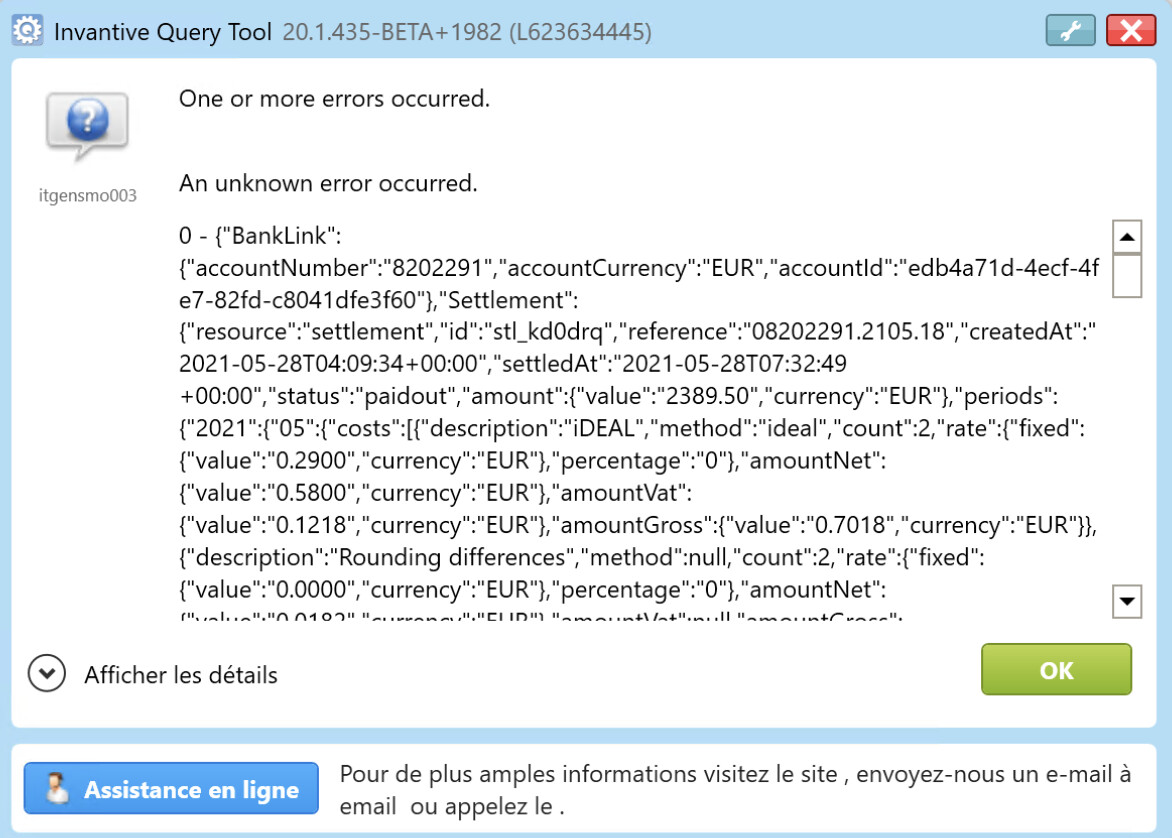
Obviously, this division2@eol includes some *.bas files generated by Mollie Payment that I would like to skip. BuT it seems that the SET max-erroneous-files@Bankfiles 20 does not work as expected?
(I have only 12 files, running BETA 20.1.435)