The Invantive MCP Server now also supports monitoring via Invantive Cloud. MCP requests can be found in screens such as History and Timeline. In addition, phase transitions and the necessary Session I/Os (usually API calls) are visible.
Timeline
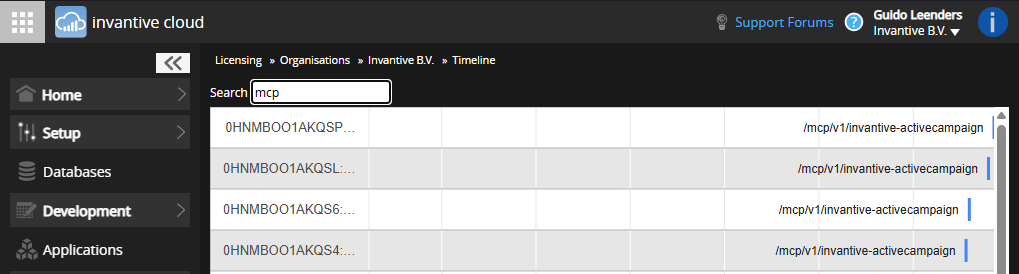
The timeline contains all MCP requests:
History
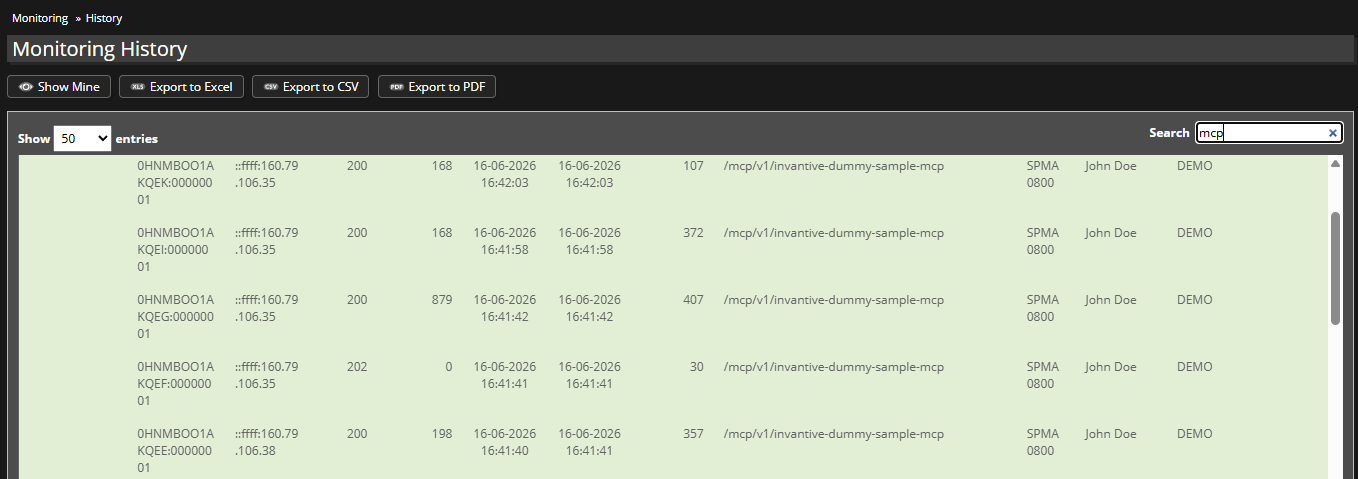
In the history window, you can, for example, search for “mcp”:
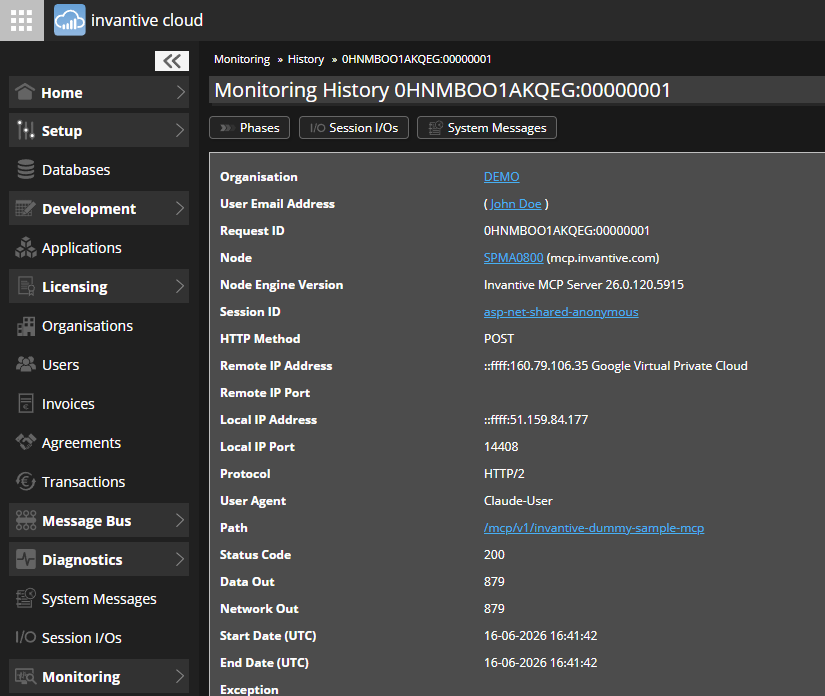
Below is an example of clicking through on an MCP request from “John Doe”:
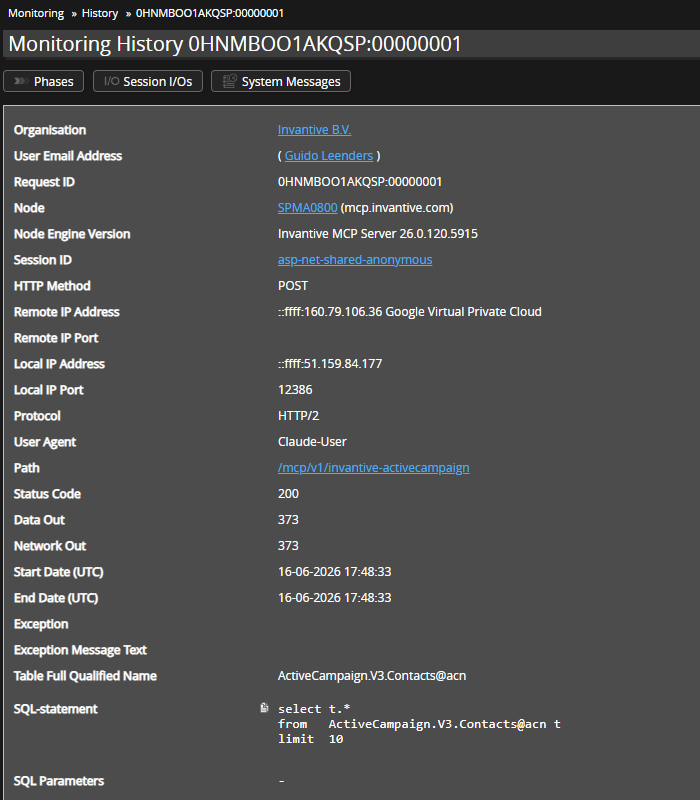
A request that retrieves rows also shows a query, such as here an MCP request for ActiveCampaign:
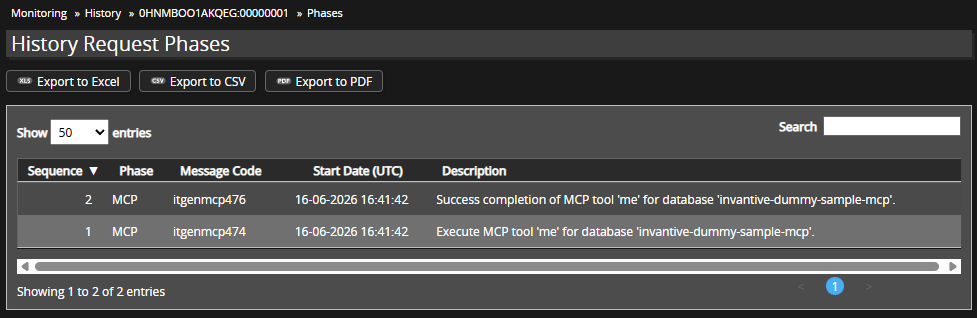
Phase Transitions
Phase transitions are visible via “Phases”:
Availability
Monitoring of MCP requests is available from release 26.0.120.