A subquery can now use a column from the enclosing query.
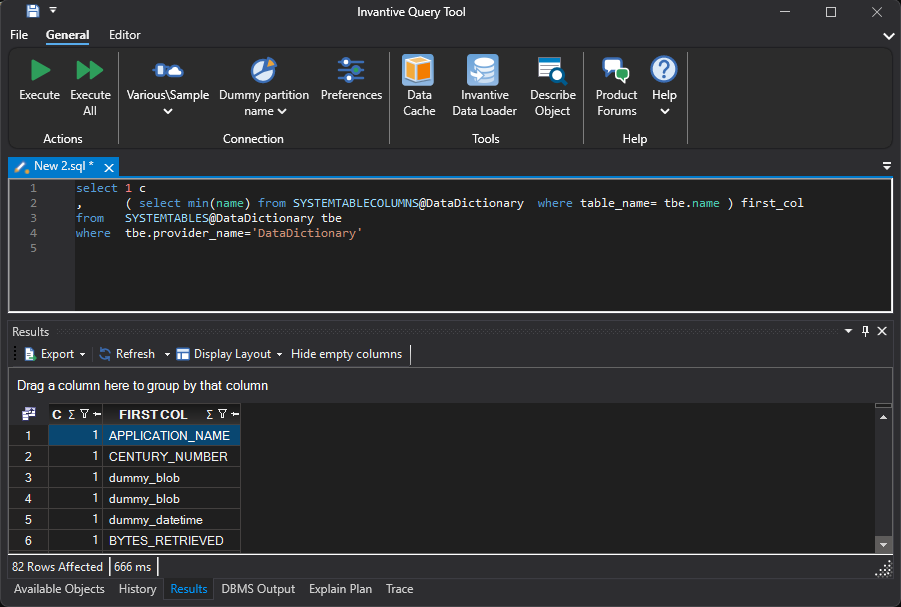
This offers a common way to describe “the row associated with this row” in Invantive UniversalSQL, as shown in the example below. Until now, such a subquery would report that the column was unknown.
Operation
A subquery first looks for a name within its own data sources. If it doesn’t know the name there, it then checks the enclosing query, and thereafter the query that surrounds that. A name that exists in both places thus refers to the nearest one. Adding a column to a table does not change the meaning of an existing subquery because of this.
A correlation may extend out over any number of levels and may skip a level. A subquery that is two levels deep can use a column from the outer query without the intervening query playing a role.
Correlation is allowed in the same forms as a subquery without correlation: exists and not exists, in and not in, and the scalar subquery. The latter provides a single value and can be used anywhere an expression is allowed, for instance in the select list, in a calculation, and in a case.
Example: Is There a Corresponding Row
The following example selects the employees whose department appears in the second set of data. The subquery uses emp.dept, a column from the enclosing query:
select emp.code
from   ( select 'A100' code, 'SLS' dept
         union all
         select 'A200' code, 'ENG' dept
       ) emp
where  exists ( select 1
                from   ( select 'SLS' dept
                       ) dpt
                where  dpt.dept = emp.dept
              )
This results in one row with the value A100. Employee A200 works in a department that the second collection does not recognise.
Example: One Value Per Row
A scalar subquery in the select list counts the rows associated with each employee:
select emp.code
,      ( select count(*)
         from   ( select 'A100' code
                  union all
                  select 'A100' code
                ) ord
         where  ord.code = emp.code
       ) orders
from   ( select 'A100' code
         union all
         select 'A200' code
       ) emp
This gives A100 with 2 and A200 with 0. A count over no associated row is zero. Any other aggregation, such as max or sum, yields the empty value in that situation.
Empty Values
A comparison with the empty value has no outcome, and that outcome varies by form. With exists, a row comparing with the empty value is not a match, so the subquery finds nothing. With not in, one empty value among the resulting values makes the answer indeterminate, thus the row won’t be returned. This applies even if the compared value itself is empty.
Number of Requests to the Platform
A correlated subquery is rewritten to a join for execution. Each data source is thus read a fixed number of times, irrespective of the number of rows in the enclosing query.
Without this rewriting, the subquery would be executed once per row, which, on a platform accessed via the cloud, would mean 1 request per row.
Limitation
A subquery in an order by is not yet supported.
Availability
Correlated subqueries are available from release 27.0 for all platforms.