Accounts << JsonV4GetData 1,977 regels opgehaald
Projects << JsonV4GetData 0 regels opgehaald

De volgende fout is opgetreden:
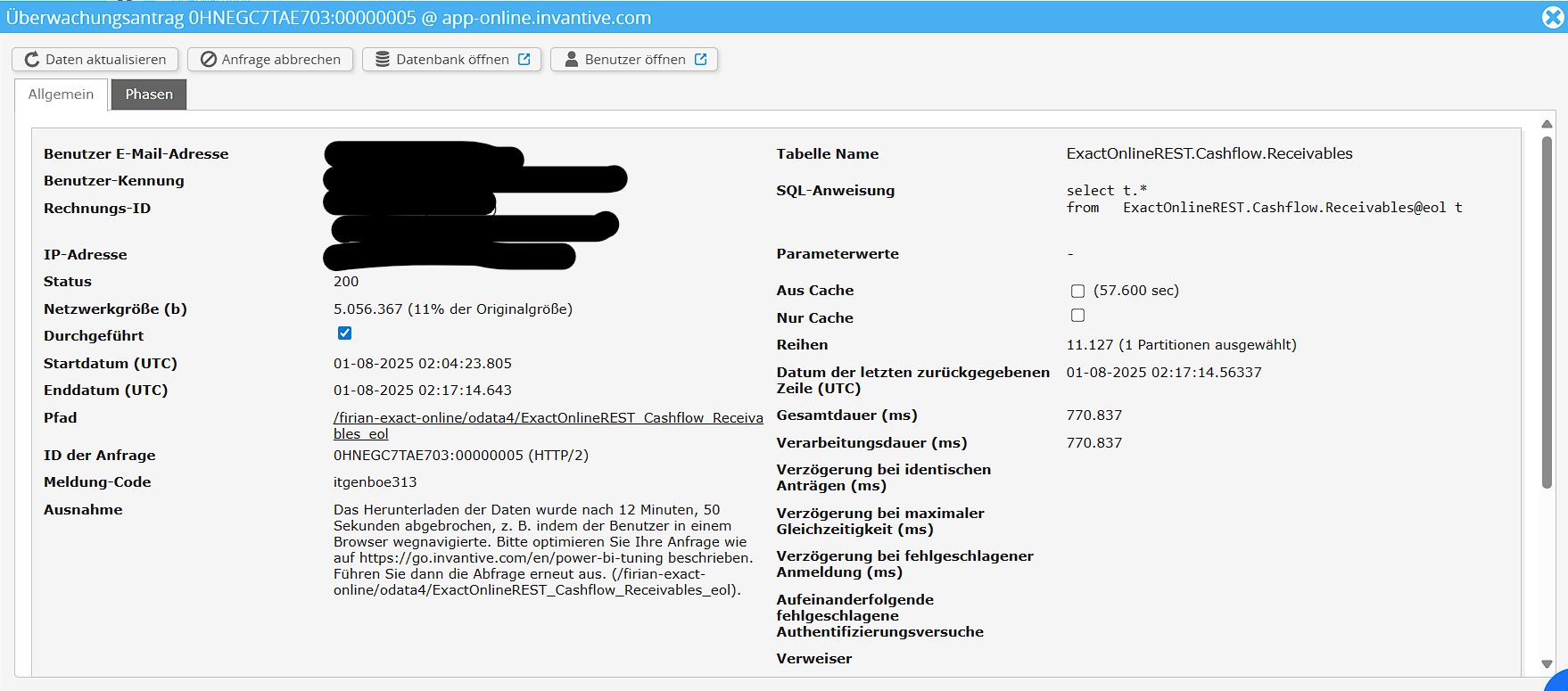
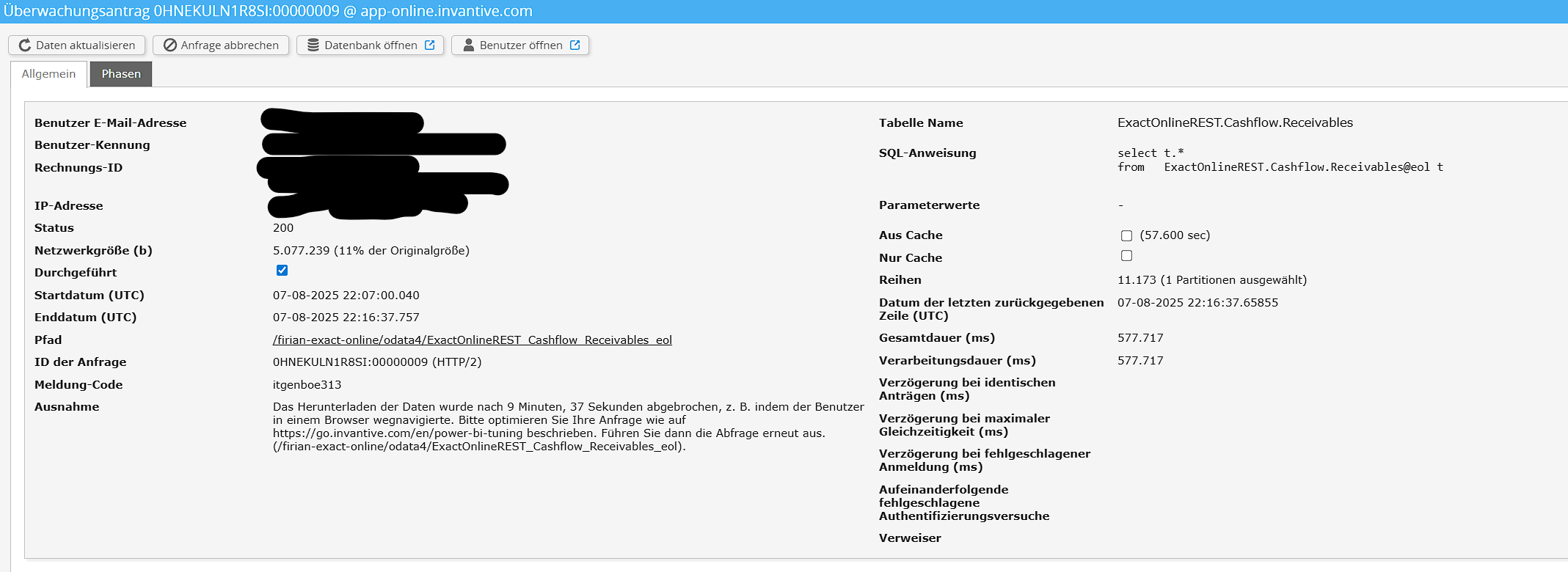
Interne fout. (Connectorfout: Mislukt bij poging 1 om te GET. (De bewerking is verlopen.))
De engine foutcode: Connectorfout:22013
De fout trad hier op:
SELECT *
	FROM JsonV4GetData
	WITH PROPERTIES (
	oDataResourcePath='ExactOnlineREST_Cashflow_Receivables_eol',
	oDataQueryOptions='',
	maxDepth='',
	maxResults=''
	)
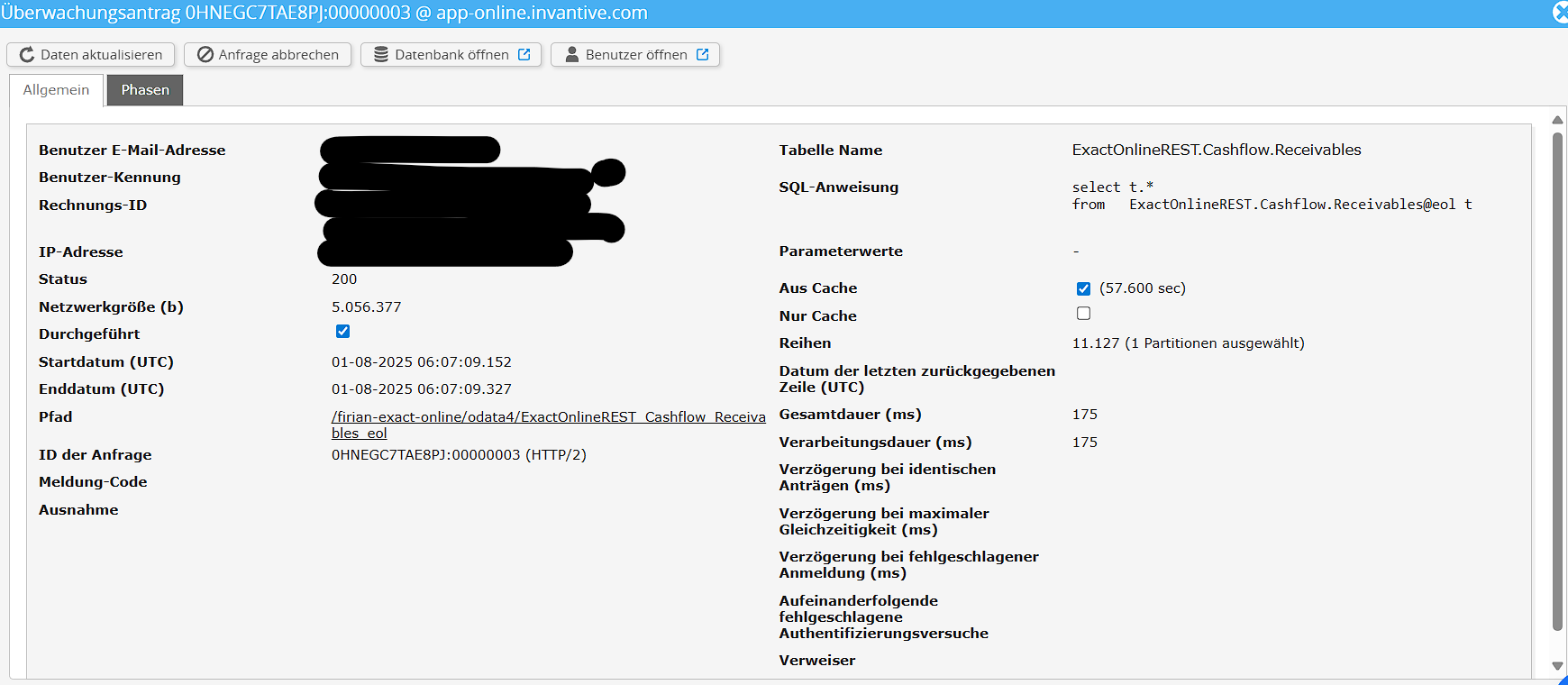
Zoals je kunt zien, kan ik succesvol de Accounts en Projects ophalen van Exact, maar de Receivables niet.
Check carefully that you are logging into the Bridge Online website that is also used from Power BI and with the same user name. You will only see the requests from the Invantive Cloud user you are logging into the website with.
There are four servers in use:
bridge-online.cloud
app-online.cloud
bridge-online.invantive.com
app-online.invantive.com
You can see the server used in your script or source code of reporting.
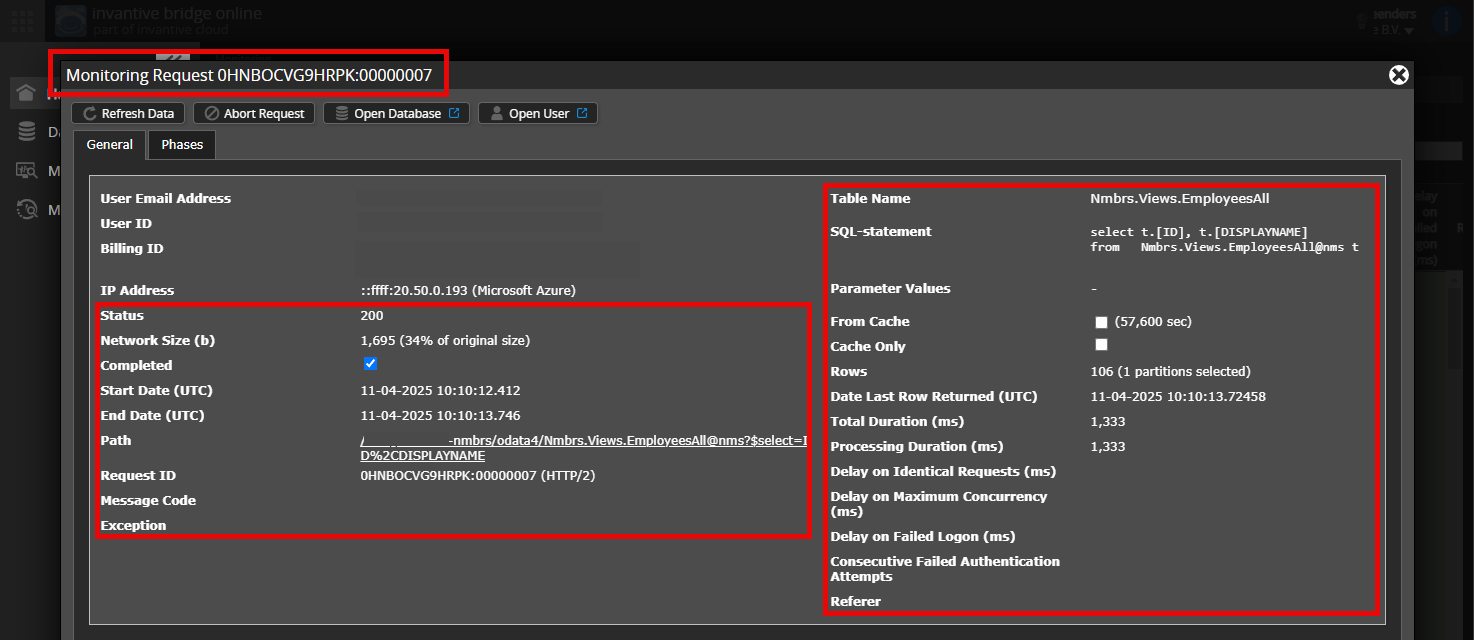
Verify correct request and details
Please make sure to select the request to display the details. Only one single request should be visible in the screenshot.
Also check carefully that the request has a path with odata4 or apps. Other requests are in general non-relevant for this purpose.
Error message and tips per email
In addition, the Invantive Cloud user who has the error message will usually receive on his email address an email with an error message and tips if there is an error message in Power BI, Power Query, Azure Data Factory, Qlik or Tableau.
Advice is to check the affected user’s spam for such emails sent from support@invantive.com.
Deze vraag is automatisch gesloten na 1 week inactiviteit. Het laatste gegeven antwoord is gemarkeerd als oplossing.
Gelieve een nieuwe vraag te stellen via een apart topic als het probleem opnieuw optreedt. Gelieve in de nieuwe vraag een link naar dit topic op te nemen door de URL er van in de tekst te plakken.