Följande fel inträffade:

Internt fel. (Connector error: Exception of type 'System.OutOfMemoryException' was thrown.)

Felet inträffade här:

SELECT * FROM JsonV4GetData WITH PROPERTIES ( oDataResourcePath='ExactOnlineREST_Incremental_TransactionLinesIncremental_eol', oDataQueryOptions='', maxDepth='', maxResults='' )
Check carefully that you are logging into the Bridge Online website that is also used from Power BI and with the same user name. You will only see the requests from the Invantive Cloud user you are logging into the website with.
There are four servers in use:
bridge-online.cloud
app-online.cloud
bridge-online.invantive.com
app-online.invantive.com
You can see the server used in your script or source code of reporting.
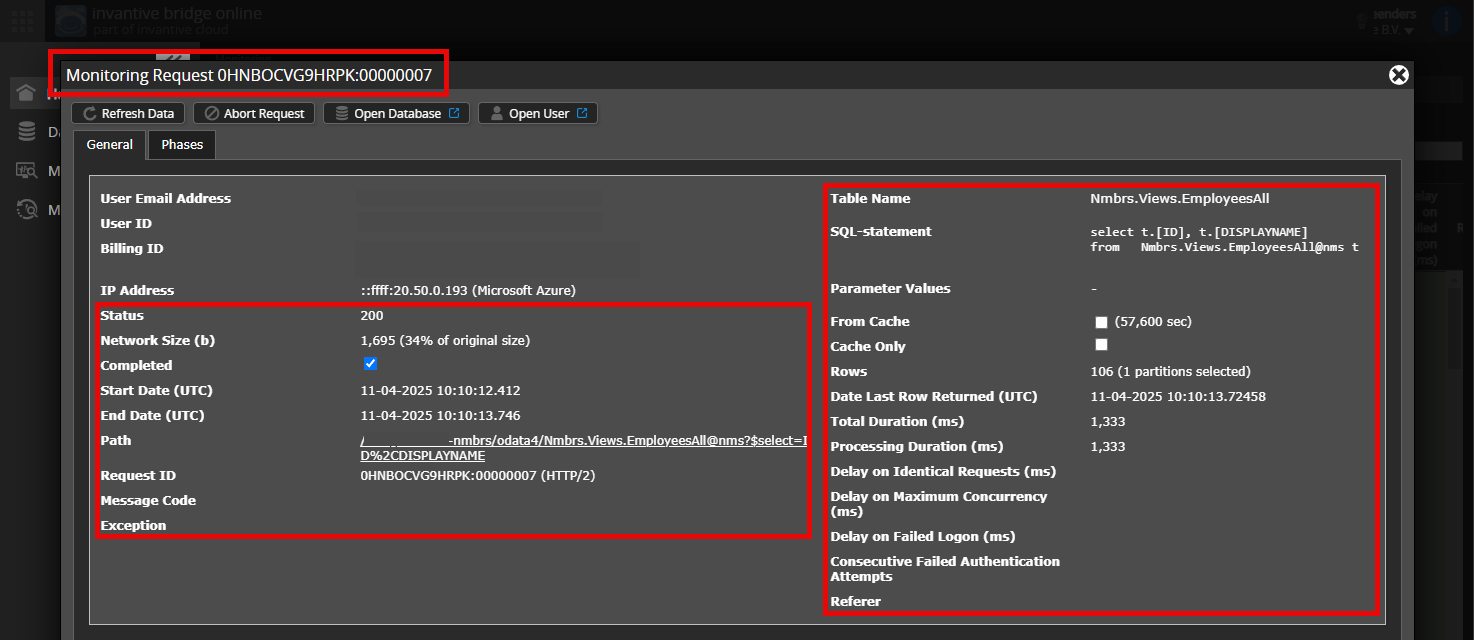
Verify correct request and details
Please make sure to select the request to display the details. Only one single request should be visible in the screenshot.
Also check carefully that the request has a path with odata4 or apps. Other requests are in general non-relevant for this purpose.
Error message and tips per email
In addition, the Invantive Cloud user who has the error message will usually receive on his email address an email with an error message and tips if there is an error message in Power BI, Power Query, Azure Data Factory, Qlik or Tableau.
Advice is to check the affected user’s spam for such emails sent from support@invantive.com.
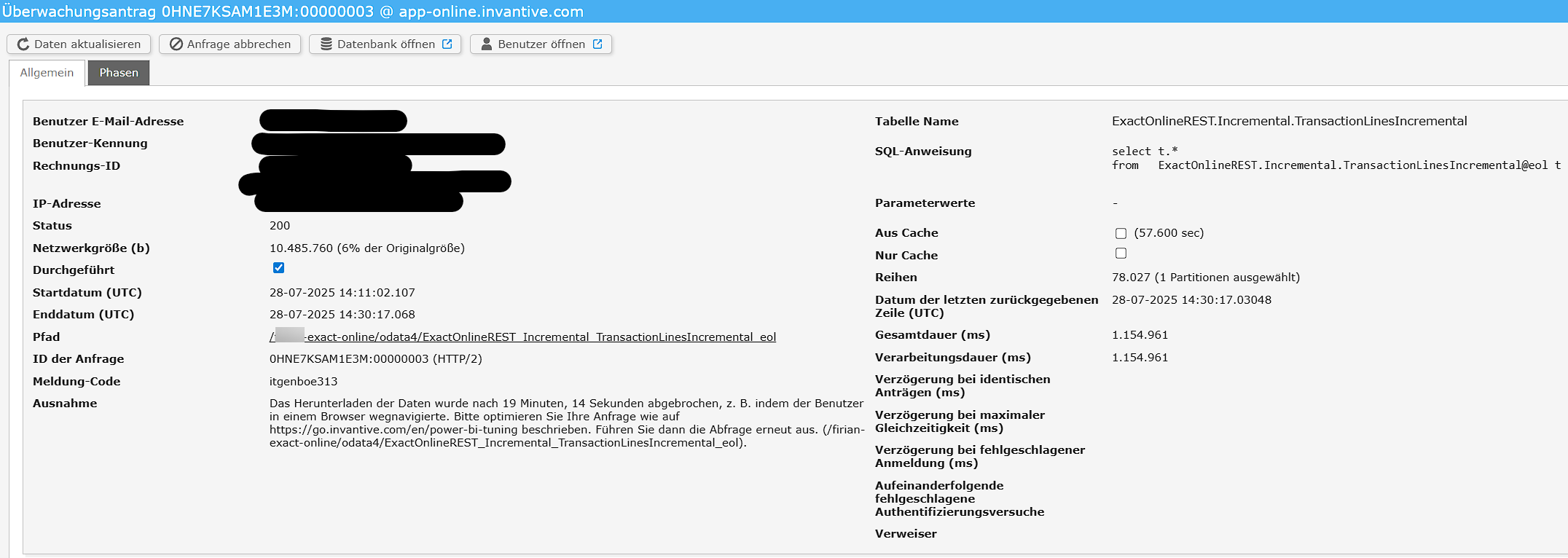
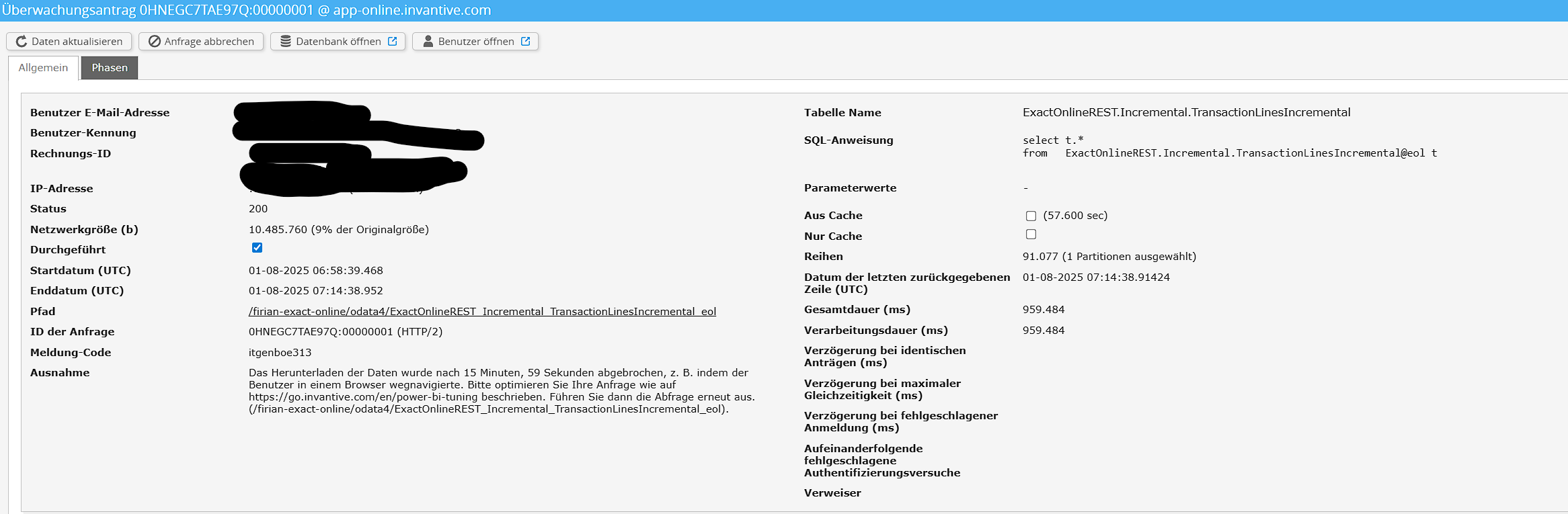
The request 0HNE7KSAM1E3M:00000003 on Invantive App Online was terminated by the OData consumer (Qlik in this case) dropping the connection after 19 minutes and 14 seconds. It received 78.028 rows sofar on 1 partition.
The actual row count can easily be assessed in typically less than a second using the approach explained in:
using a query such as:
select *
from   rowcounts@eol
where  table_name = 'SyncTransactionLines'
For now, it will be assumed that 1-2 million rows are to be expected. Also, the nature of the design of *Incremental tables means that data can only start to return once all rows have been collected for a partition. Since there is only 1 partition selected, this means that the data collection has already ended at this moment in time and Invantive App Online is streaming rows to the OData consumer typically limited only by the bandwidth between producer and consumer.
A volume of 1-2 million rows should not be an issue. As of July 2025, Invantive Cloud is typically starting to get overstretched when there are 4 million or more rows per partition. Larger volumes with tens or hundreds of millions of rows on Exact Online or other cloud platforms will definitely exceed the current specifications for the current configuration of the Invantive Cloud. For these scenarios, the enterprise products are recommended such as on-premises Data Hub or on-premises UniversalSQL Server.
For now, there is no reason to expect any problem on the Invantive Cloud side.
A Google search revealed that the OutOfMemoryException sometimes appears on Qlik. See for instance:
Kanske laddar OData-kopplaren i Qlik först ner hela datamängden och bearbetar den sedan som en helhet, vilket leder till högre minneskrav. Detta istället för att hantera detta format som ett specialfall av strömmande data, vilket REST-kopplaren verkar göra.