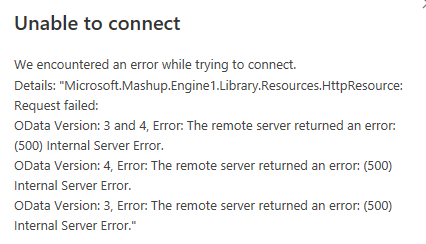
I have a client who wants to retrieve data from the GRIPP Belgium system. He has provided me with an API key that I am using to establish the connection. However, I am receiving this error message that I cannot resolve:
Is it possible to retrieve data from GRIPP Belgium? If so, does it need to be done differently from the Dutch version? Because it does work with this method.
Is it possible to add an (anonymised) screenshot of the request details in Invantive Bridge Online Monitoring as described in Meer inzicht met nieuwe Online Monitoring?
You can find the details by clicking on the download request that represents the subject of this topic.
The download request usually contains an SQL statement in which the table name is visible.
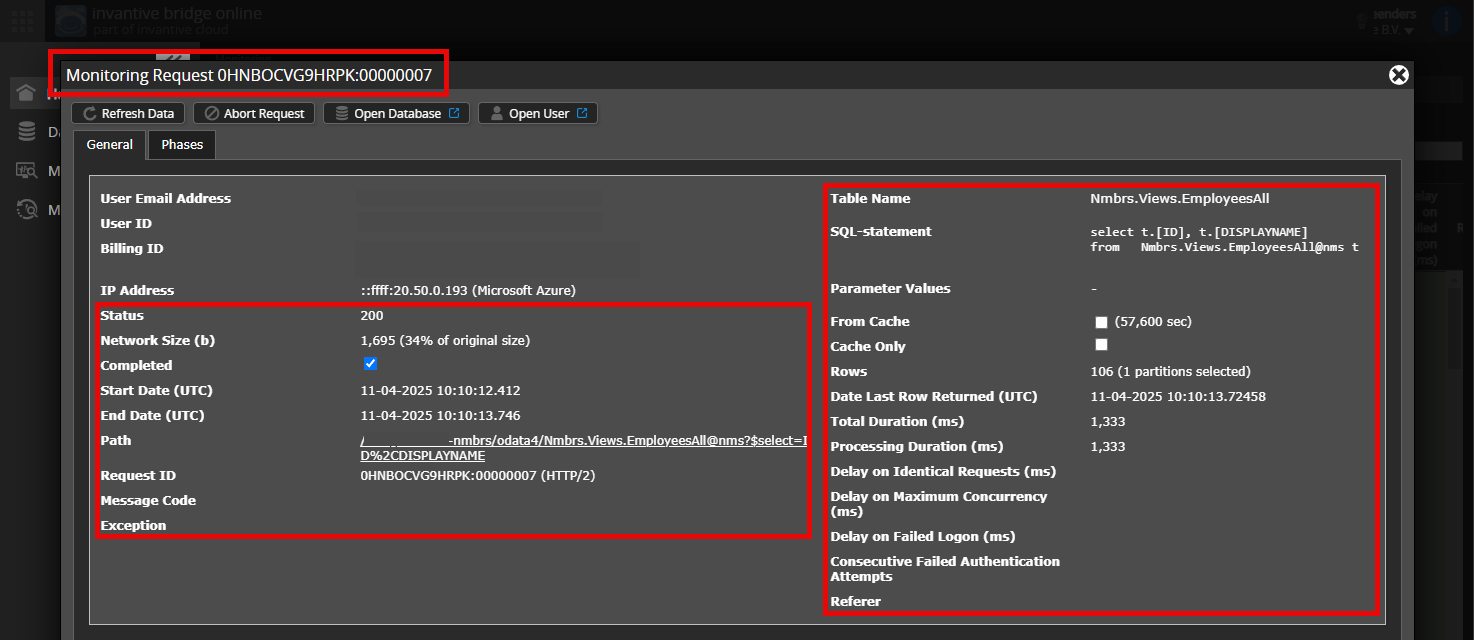
Please ensure that at least the following data is visible from both columns:
The title bar with the request ID,
The status code, network size, path, and timings in the left column,
The error code and error message at the very bottom of the left column,
The entire right column including the SQL statement, table name, and parameter values.
Carefully check that you log in to the Bridge Online website that is also used from Power BI and with the same username. You will only see the requests of the Invantive Cloud user you log in with on the website.
There are four servers in use:
bridge-online.cloud
app-online.cloud
bridge-online.invantive.com
app-online.invantive.com
You can see the server used in your script or report source code.
Verify Correct Request and Details
Ensure you first select the request to display the details. Only one request should be visible in the screenshot.
Also, carefully check if the request has a path with odata4 or apps. Requests with other paths are generally not relevant for this purpose.
Error Message and Tips via Email
Additionally, the Invantive Cloud user who has the error message will typically receive an email with an error message and tips if there is an error in Power BI, Power Query, Azure Data Factory, Qlik, or Tableau.
It is advisable to check the spam of the user involved for such emails sent from support@invantive.com.
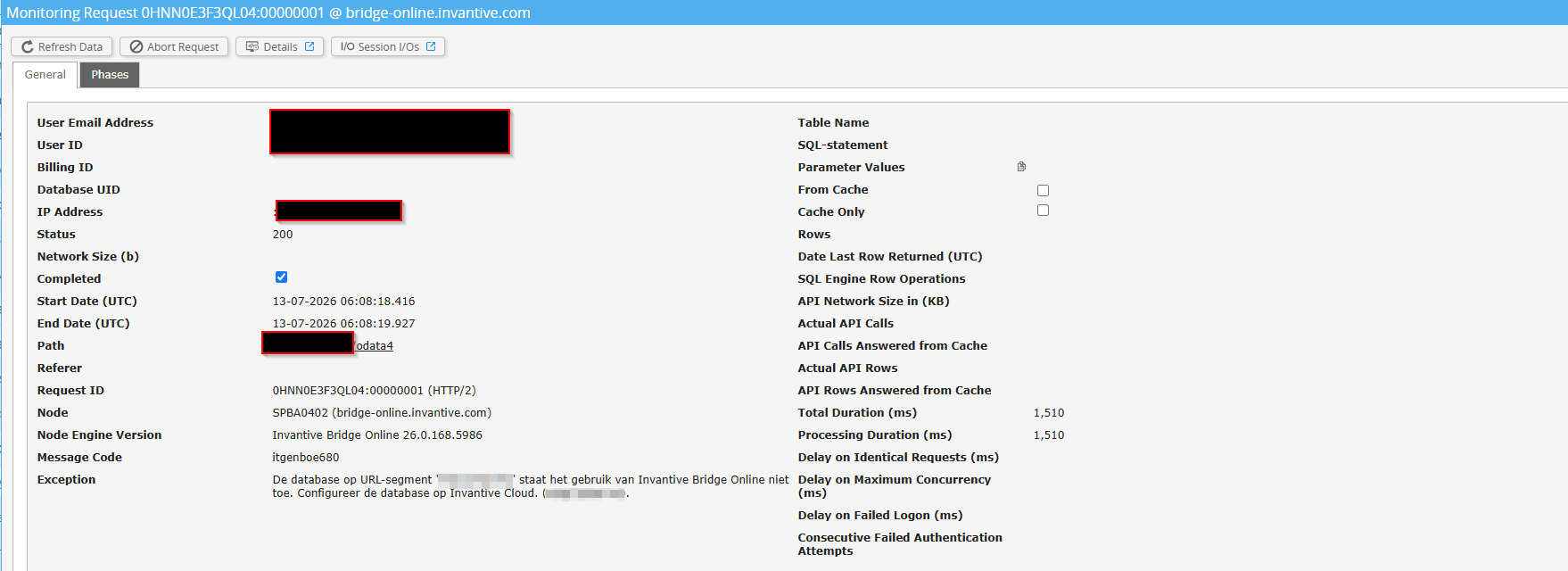
Exception: The database on URL segment ‘[protected]’ does not allow the use of Invantive Bridge Online. Configure the database on Invantive Cloud. ([protected]).