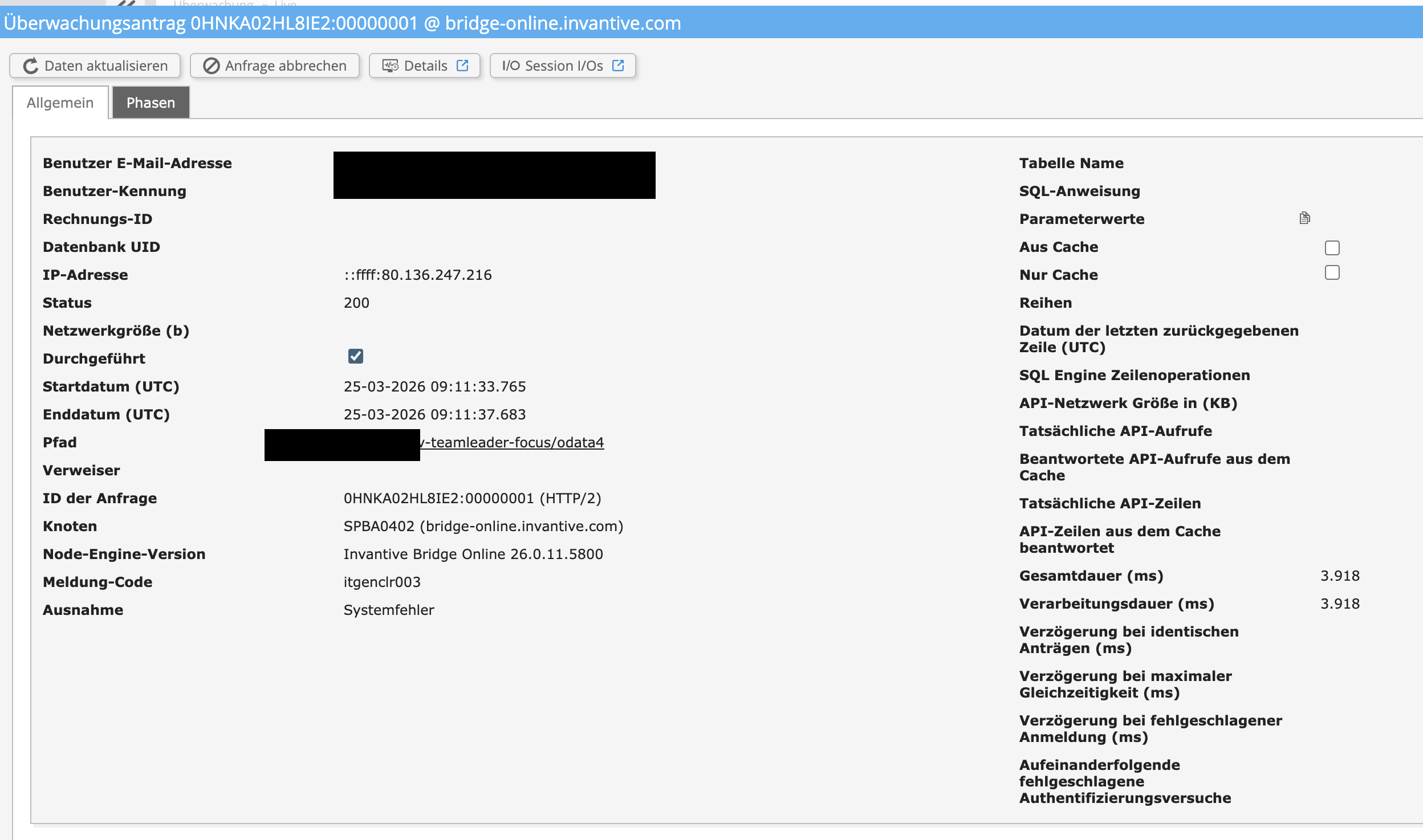
I’m having the same problem that’s already been described here in the forum. For the past few days, the data refresh for the Power BI report has been failing. The error message is:
A new release has been made available that should solve this issue. The necessary changes are available with all releases after 26.0.12 and with all future BETA versions.
This new release has been/will be taken into production on Invantive Cloud.
DataSource.Error:
Microsoft.Mashup.Engine1.Library.Resources.HttpResource:
Request failed:
OData Version: 3 and 4, Error:
The remote server returned an error:
(500) Internal Server Error.
(An internal error of type ‘B4FA1F’ occurred.
Please contact your supplier. (itgenclr003, 48ba7385-2102-43d9-a8a6-0f87f51b4810))
The new release 26.0.15 has been deployed on Invantive Cloud. This will resolve some of the itgenclr003 errors, but not all of them. For the remaining itgenclr003 errors, analytical data will be collected from this release onwards to determine the cause.
The itgenclr003 seems to occur on German environments, since a specific HTTP field on release 26.0 contains text like “26 März 26” instead of the according to specification required English text.
Release 26.0 has significantly improved internationalization features over release 25.0, where text that was previously English is now correctly set to the requested language. And it seems sometimes incorrectly translated.
A new release has been made available that should solve this issue. The necessary changes are available with all releases after 26.0.16 and with all future BETA versions.
This new release has been/will be taken into production on Invantive Cloud, expected for today.
For more information see:
It is recommended to try again as soon as it reads 26.0.16 in the top right menu.