This approach on Automatic authentication on Fortnox with 2FA works fine.
We face one small difficulty because Fortnox has a single oAuth mechanism per entity.
In our case we have two Fortnox data containers (XML: <database>) in the same database (XML: <connection>) in our settings.xml.
Sometimes the token refresh OAuth grant flow is launched, and it is difficult to identify for which Fortnox data container the token is being refreshed. Fortunately, by using alias for the data container we found a small workaround.
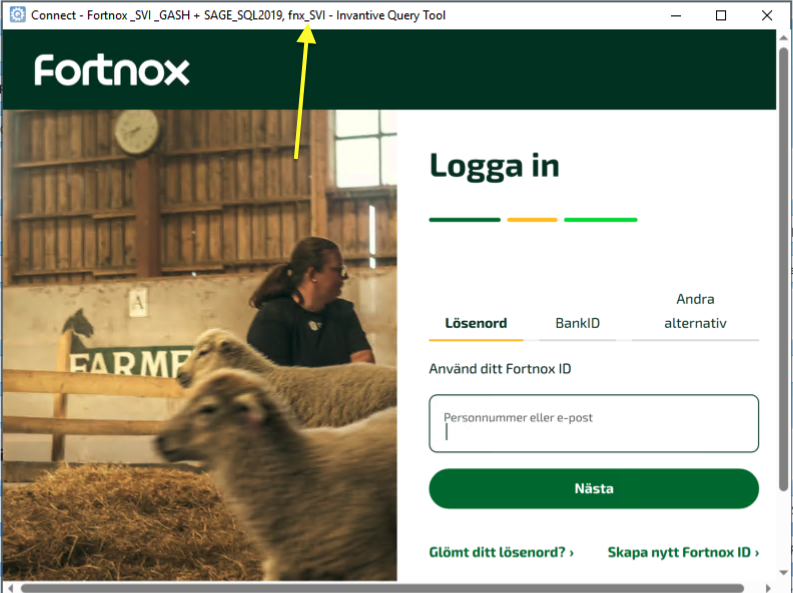
The connection window displays the alias of the data container being refreshed at the top of the window (see yellow arrow, in this case fnx_SVI):
In the next window, the right entity to link to can be selected for the alias:
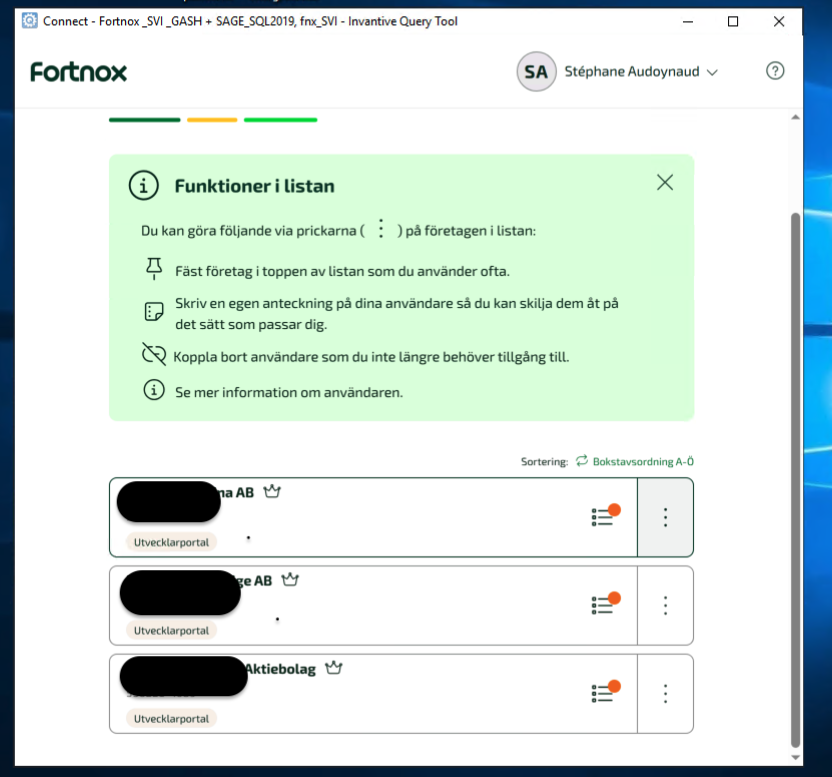
A clearer display (alias or else) would help reduce the chance of mistakes.