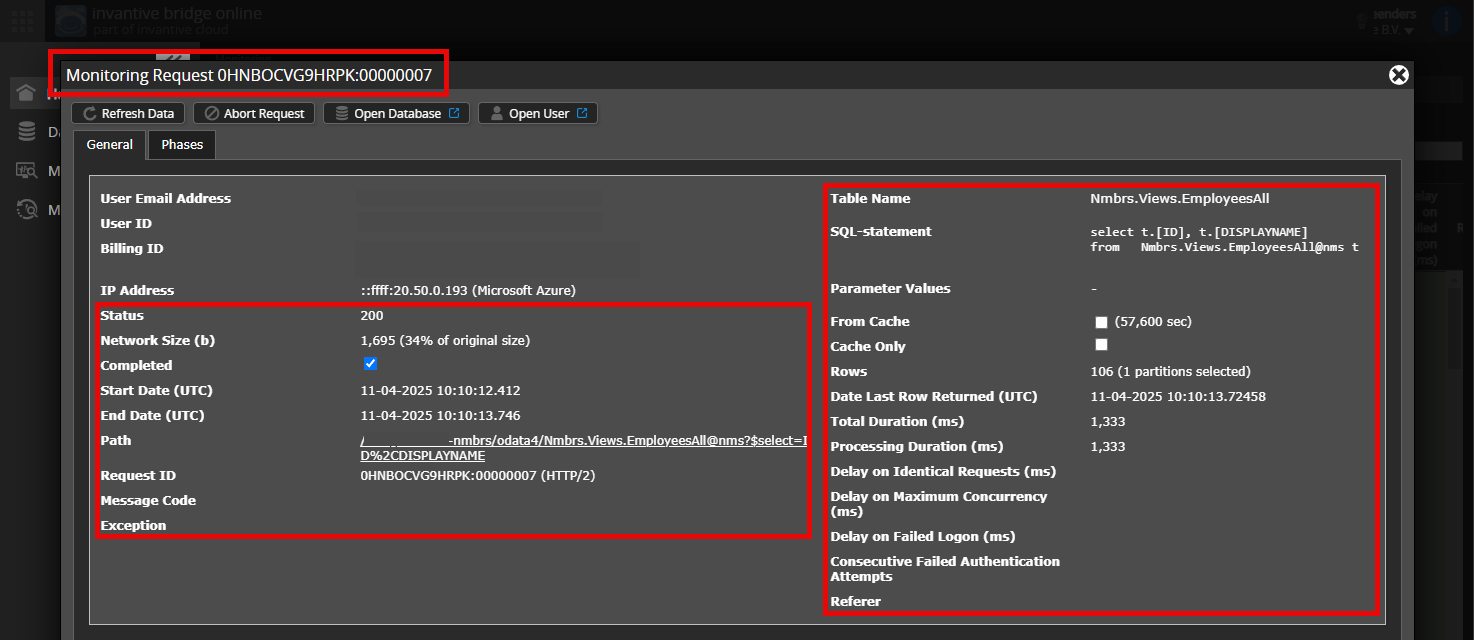
De verbinding tussen Invantive en Teamleader Focus bleek weg te zijn. Ik heb dit begin deze week opgemerkt. Bij Teamleader onder integraties stond de Power BI-connector plots niet meer. Ik heb die opnieuw toegevoegd en in Invantive Cloud opnieuw geauthorizeerd.
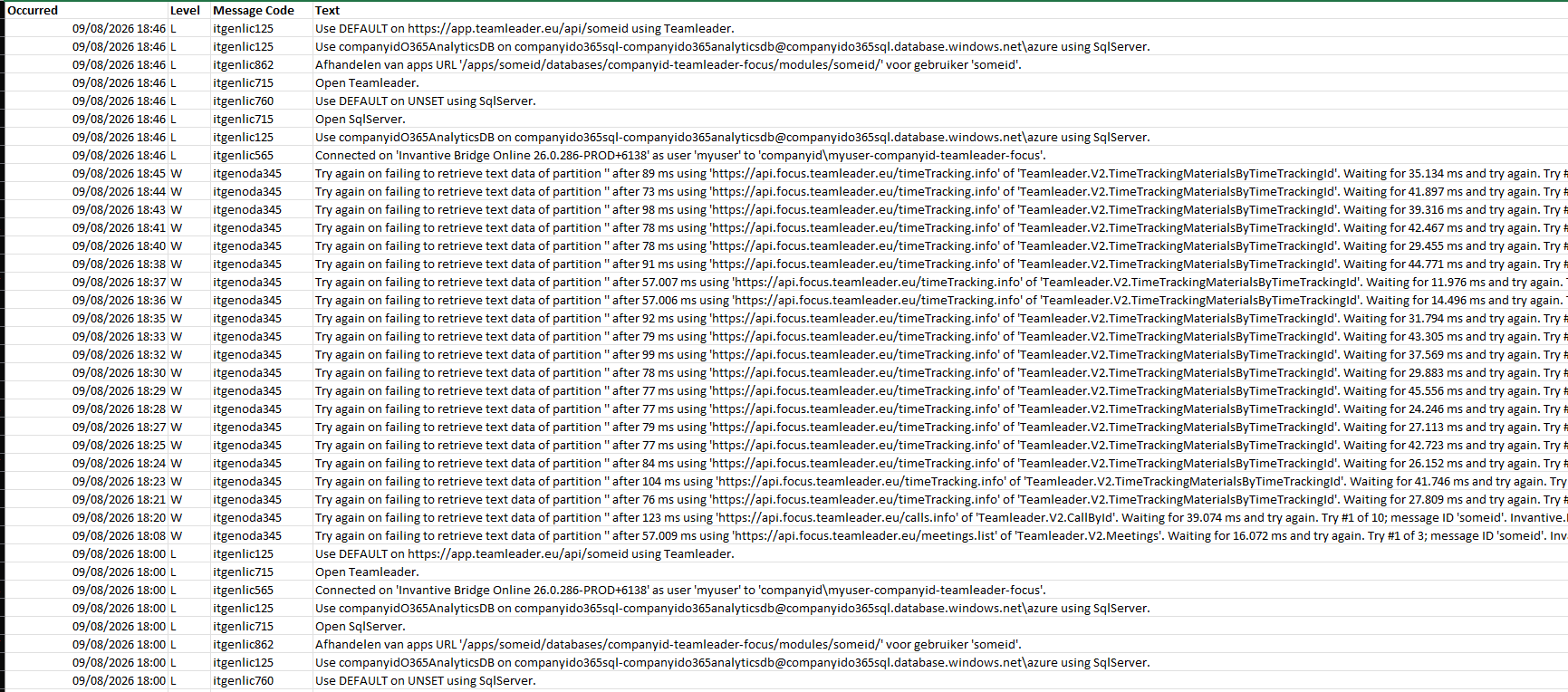
De verbinding lukt, maar er is nu reeds twee dagen op een rij een “operation time out” of “the remote server returned an error: (429) Too many requests.”
Een knipsel uit de diagnostics:
Wie kan mij op weg helpen dit op te lossen?
Hier ook één van de foutmeldingen volledig:
Try again on failing to retrieve text data of partition ‘’ after 57.009 ms using ‘https://api.focus.teamleader.eu/meetings.list’ of ‘Teamleader.V2.Meetings’.
Waiting for 16.072 ms and try again.
Try #1 of 3; message ID ‘someid’.
Invantive.Basics.InvantiveSqlException:
itgenoda315:
De gegevens kunnen niet worden gedownload omdat de verbinding is verbroken voordat de resultaten werden geretourneerd (time-out 57.000 ms).
(https://api.focus.teamleader.eu/meetings.list) —> System.Net.WebException:
The operation has timed out.
at System.Net.HttpWebRequest.GetResponse()
at Invantive.Data.Providers.Http.HttpWorker.DoRequest(GlobalState owner, ExecutionOptions executionOptions, SqlExecutionStep sqlExecutionStep, IHttpBasedProvider self, HttpWebRequest request, String url, ObjectDefinition objectDefinition, QueryObject queryObject, String partitionCode, String callSafeNameOverrule, String anonymizedPostText, Boolean allowRetryOnNoConnectionMade, Boolean allowRetryOnConnectionLoss, ParameterList parameters, Guid nativeCallUid, Boolean throwExceptionOnNonSuccessfulStatusCode, Object requestBody, Int64 timeoutInitialMs, Int64 timeoutMaxOnRetryMs, String resultCacheId, String publicQueryParameters, Encoding responseEncoding, ExecutionStatistics& executionStatisticsOut, ODataErrorProcessingInstructions& oDataErrorProcessingInstructions)
— End of inner exception stack trace —
at Invantive.Basics.ValidationException..ctor(GlobalState owner, ExecutionOptions executionOptions, String messageCode, String errorMessage, String kindRequest, String localStackTrace, String nk, Exception innerException, Boolean inheritMessageCodeWhenPresent, Nullable1 uid, Nullable1 isRecoverable, String poolIdentityId, String url, Nullable1 partyUid, String partitionCode, String tableName, String parameter1, String parameter2, String parameter3, String parameter4, String parameter5, String clientId) at Invantive.Basics.InvantiveSqlException..ctor(Glob...ecutionContext.RunInternal(ExecutionContext executionContext, ContextCallback callback, Object state) at System.Threading.Tasks.Task.ExecuteWithThreadLocal(Task& currentTaskSlot, Thread threadPoolThread) at System.Threading.Thread.StartCallback() at Invantive.Data.Providers.Http.HttpWorker.DoRequest(GlobalState owner, ExecutionOptions executionOptions, SqlExecutionStep sqlExecutionStep, IHttpBasedProvider self, HttpWebRequest request, String url, ObjectDefinition objectDefinition, QueryObject queryObject, String partitionCode, String callSafeNameOverrule, String anonymizedPostText, Boolean allowRetryOnNoConnectionMade, Boolean allowRetryOnConnectionLoss, ParameterList parameters, Guid nativeCallUid, Boolean throwExceptionOnNonSuccessfulStatusCode, Object requestBody, Int64 timeoutInitialMs, Int64 timeoutMaxOnRetryMs, String resultCacheId, String publicQueryParameters, Encoding responseEncoding, ExecutionStatistics& executionStatisticsOut, ODataErrorProcessingInstructions& oDataErrorProcessingInstructions) at Invantive.Data.Providers.Http.HttpWorker.Post(GlobalState owner, ExecutionOptions executionOptions, SqlExecutionStep sqlExecutionStep, IHttpBasedProvider self, String relativeUrl, Dictionary2 inHeaders, Byte postData, String anonymizedPostText, CacheSettings cacheSettings, ObjectDefinition objectDefinition, QueryObject queryObject, Boolean allowRetryOnConnectionLoss, ParameterList parameters, ExecutionStatistics& executionStatisticsOut, ODataErrorProcessingInstructions& oDataErrorProcessingInstructions, String acceptMimeType, String contentType, Boolean authenticate, Boolean preventRetryOnAuthenticationFailure, String partitionCode, String method, String callSafeNameOverrule, Boolean throwExceptionOnNonSuccessfulStatusCode, String publicQueryParameters, String postDataCacheKey).
De gegevens kunnen niet worden gedownload omdat de verbinding is verbroken voordat de resultaten werden geretourneerd (time-out 57.000 ms).
The operation has timed out.